
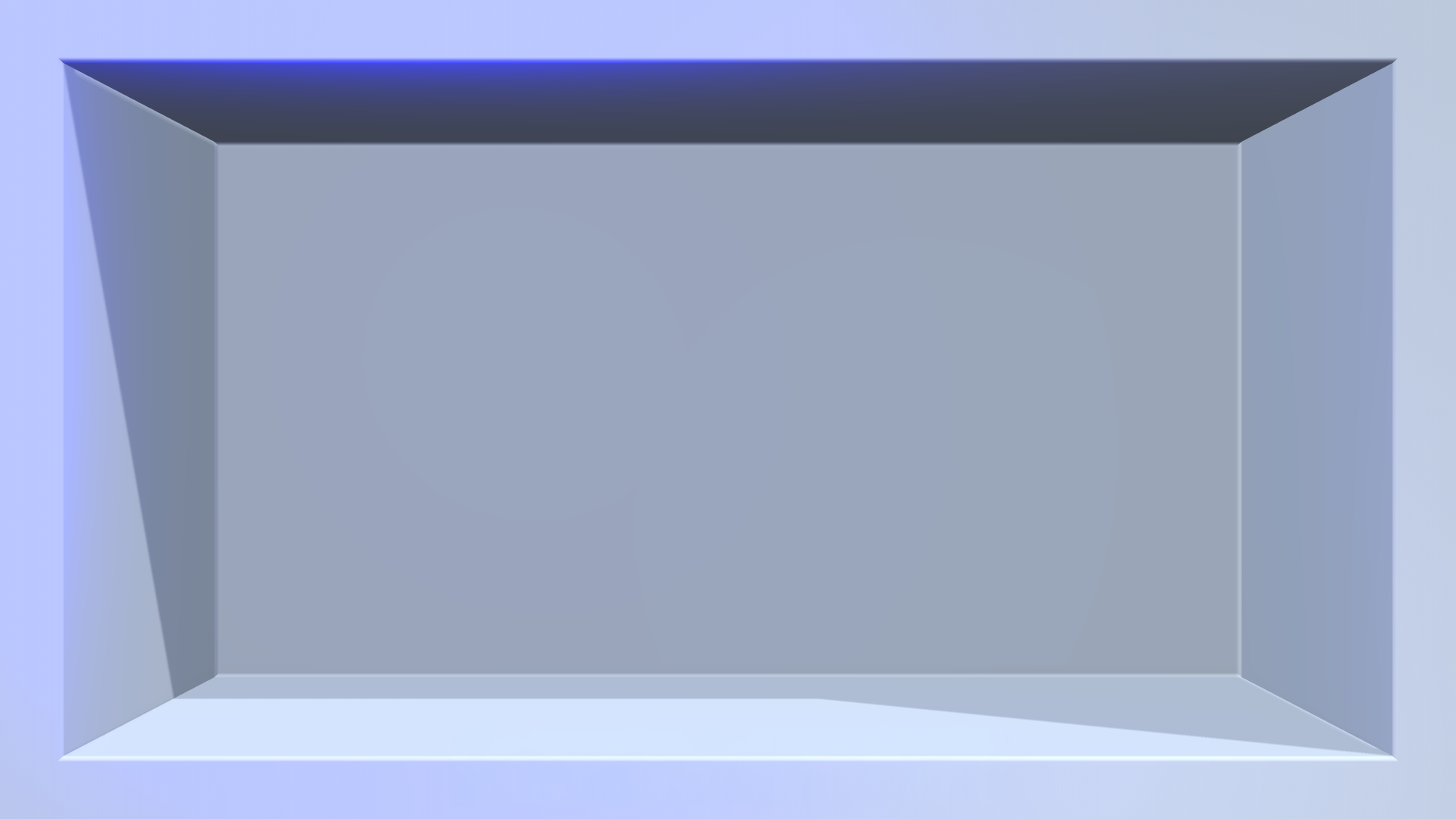
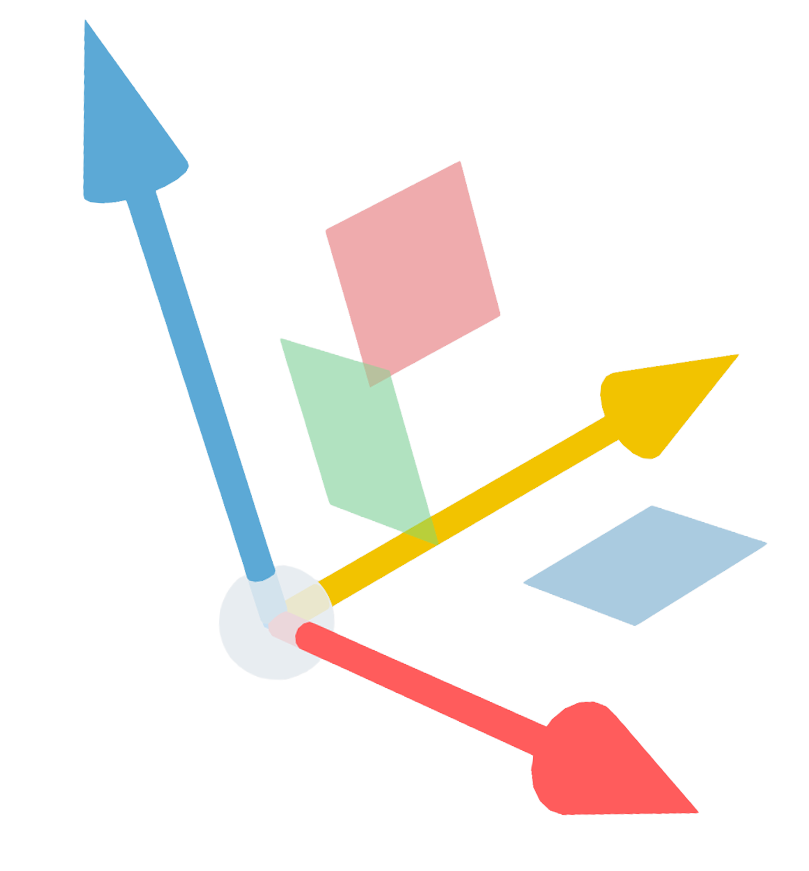
Turn any flat
screen into 3D
Examples
The end result


Why
The reasons
Your screen is already there.
Storefront, lobby, meeting room, info display. You paid for it. Right now it's showing something flat, isn't it?
It takes a few clicks, not a few weeks.
Photograph your screen. Mark four corners. Design. Export. That's the whole thing.
No 3D skills needed.
We tried to make it as simple as possible. How did we do?
It runs in your browser.
Nothing to install. Renders in real time.
People stop and look.
That's the entire point of the format. It works on your screen too.
An agency would charge you four figures for a single asset.
You'd wait a week for the first draft, too.
How it works
Photograph, then Calibrate, then Design, then Export
Photograph
Take a photo from where your audience stands.
Calibrate
Click the four corners of the screen.
Design
Design the content.
Export
Export a PNG and put it on the display.
No photo? Safe mode works from your screen dimensions.
Pricing
Free for non-profits and personal use.
Free for non-profits and personal use. Credits when you're doing commercial work.
Start freeWant to use Illusio 3D commercially or need a customized version for your brand? Contact the creator.
Quick answers
Quick Answers
- Is this AI?
- No. You choose everything. The app handles the perspective math. No AI involved in the process. Not gonna lie, we used AI in the development work. But for a user like you, absolutely no AI in the loop.
- Is it free?
- Free for non-profits and personal use, credits for commercial work.
Want to use Illusio 3D commercially or need a customized version for your brand? Contact the creator.
- Mobile?
- Desktop only. You need a mouse to calibrate the image accurately and to navigate in the 3D space.
- Any screen?
- If you can photograph it, it works. The illusion is based on naked-eye 3D, anamorphic, trompe l'oeil. Whatever you want to call it. The technique is centuries old.
- Any viewing angle?
- No. The illusion resolves from the spot you photographed from. That's how the format works. If you want to play it safe, you can use the front-facing angle, without a photo reference.
- Still images only?
- On purpose. One image, one export. It's why you can learn this in a single sitting. Animation, keyframes and all that stuff complicate things. But it is on the roadmap.